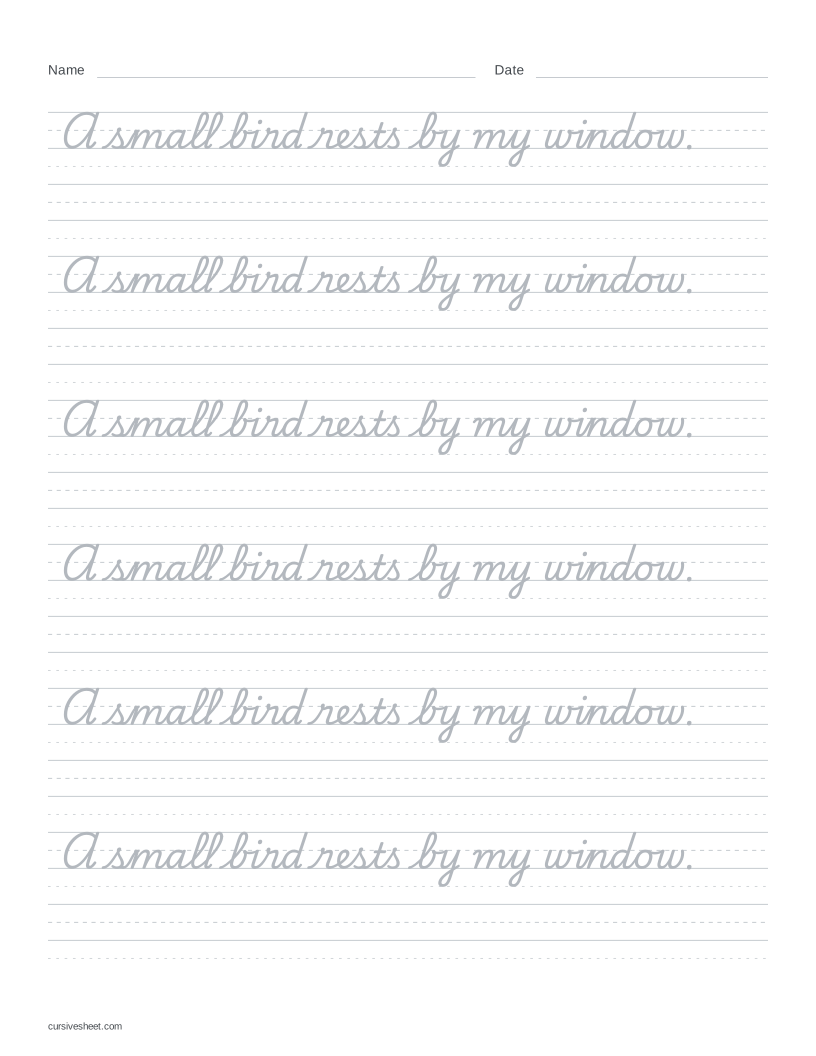
Make cursive sentence worksheets with your own text
Enter a sentence in Your text, or choose a preset. My sentences clears the example and puts the cursor in the text box. Short sentence and Short paragraph contain original practice text; Pangrams loads the two familiar sentences used on the worksheet topics page.
Choose Traditional (Playwrite US Trad) or Modern (Playwrite US Modern) under Style, then adjust Size and Tracing. Faded gives light letters to trace, Outline gives hollow shapes, and Solid gives a dark model to copy. The starting sheet uses Small letters.
Choose A4 or US Letter under Paper to match your printer. Check the preview, choose Download PDF or Print, and print at actual size or 100% scale. If a sentence wraps across several rows, check where each model row ends before printing.
From short words to a whole sentence
Start with a pair such as an, in or un, then copy hand, find or sun before trying a sentence of your own. Both supplied fonts connect an, in and un. Use the letter joins page to compare these pairs and their example words.
When you move to a sentence, compare the spaces between words with the spaces inside a word. Leave a clear space between words.
Cursive writing: sentences with capitals and punctuation
Load Capitals & punctuation for a question and an answer. Begin each sentence with a capital, and keep capitals in names such as May and Anna. Compare each capital with the lowercase letters that follow in the selected font’s preview.
In “May, can you bring a pen?”, keep the comma after May and the question mark after pen. In “Yes, Anna has a spare.”, keep the comma after Yes and the period at the end. Compare the punctuation with the model when copying onto a blank row.
Cursive writing paragraphs
Load Short paragraph for three original sentences about a rainy day. The text wraps across model rows; you can replace it with two or three sentences of your own. The tool makes one page at a time and accepts at most 280 characters, including spaces and punctuation.
The character limit does not guarantee that a passage fits. Letter size, row spacing, line breaks and paper format affect the available space. If a capacity message appears, use Fit to one page or shorten the text. Check the preview after switching fonts or paper size.
For a longer passage, divide it into short sections. Enter one section, download its sheet, then replace the text and generate the next sheet. The generator does not split an article into multiple pages for you.
Trace a sentence, then copy it
Keep Trace + blank under More options for alternating model and empty rows. Trace a model sentence, then copy it onto the blank rows below. Compare word spacing, capitals and punctuation with the model.
Choose Model once if you want the complete passage once at the top, followed by blank rows.