Cursive for left handed writers
Try Model once under More options. It shows your text once at the top and leaves the remaining rows blank. Copy onto those lower rows with the reference above your writing hand. Longer text can wrap across several model rows.
The starting sheet uses Solid for a dark model to copy. Faded gives light letters to trace, and Outline gives hollow letter shapes. Large letters provide a bigger model; choose Medium or Small if you want more text on a page. Under More options, try Roomy spacing for a wider gap between rows.
Choose Traditional or Modern
Traditional uses Playwrite US Trad and leans to the right; Modern uses Playwrite US Modern and is more upright. Select either under Style and compare the preview, or follow the style your school asks for. These are the two supplied fonts.
The generator cannot change either font’s slant or place the model at the right of every row. Model once changes where the reference appears on the sheet; it does not change the letter shapes.
Try a paper position and pencil grip
Paper position
You can try placing the paper slightly to the left of the center of your body. Try a small tilt so the left edge follows your forearm as you write across the line.
Source: Evelina London: school-age resource pack, page 16, advice for left-handed children
Pencil grip
You can try holding the pencil a little farther from its tip. Adjust it to a position that feels comfortable for you.
Source: Evelina London: school-age resource pack, pages 15–16, pencil grip
Start with short words
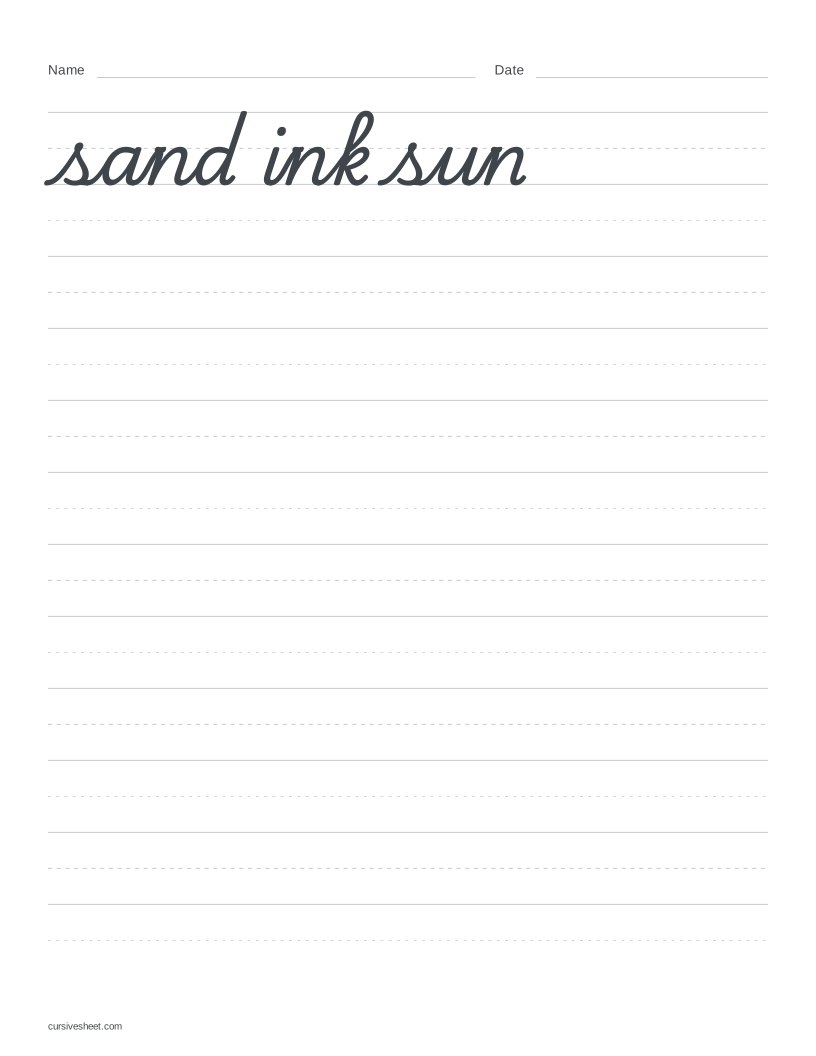
Load Short words for sand, ink and sun, or replace them with a few words of your own. Both supplied fonts connect the pairs an, in and un. Look at the selected font’s model, then copy the words onto a blank row.
Move from words to a short sentence
Load Short sentence for the original line “I set a cup by the lamp.” Copy it below the model and compare the spaces between words. My own text clears the example and puts the cursor in the text box.
For more sentence choices, try the sentence worksheets. Keep your text short if you want several blank rows below the model.
Check the page before printing
Choose A4 or US Letter to match your paper, then check the preview and download the PDF. Print at actual size or 100% scale. The ready-made sample below uses US Letter; choose A4 in the maker for an A4 sheet.
The maker accepts up to 280 characters and produces one page at a time, with no batch export or print lettering. The character limit does not guarantee a fit: size, spacing, line breaks and paper format also matter. If a capacity message appears, use Fit to one page or shorten the text. Check the settings afterward, because Fit to one page can change the letter size, spacing or row mode.