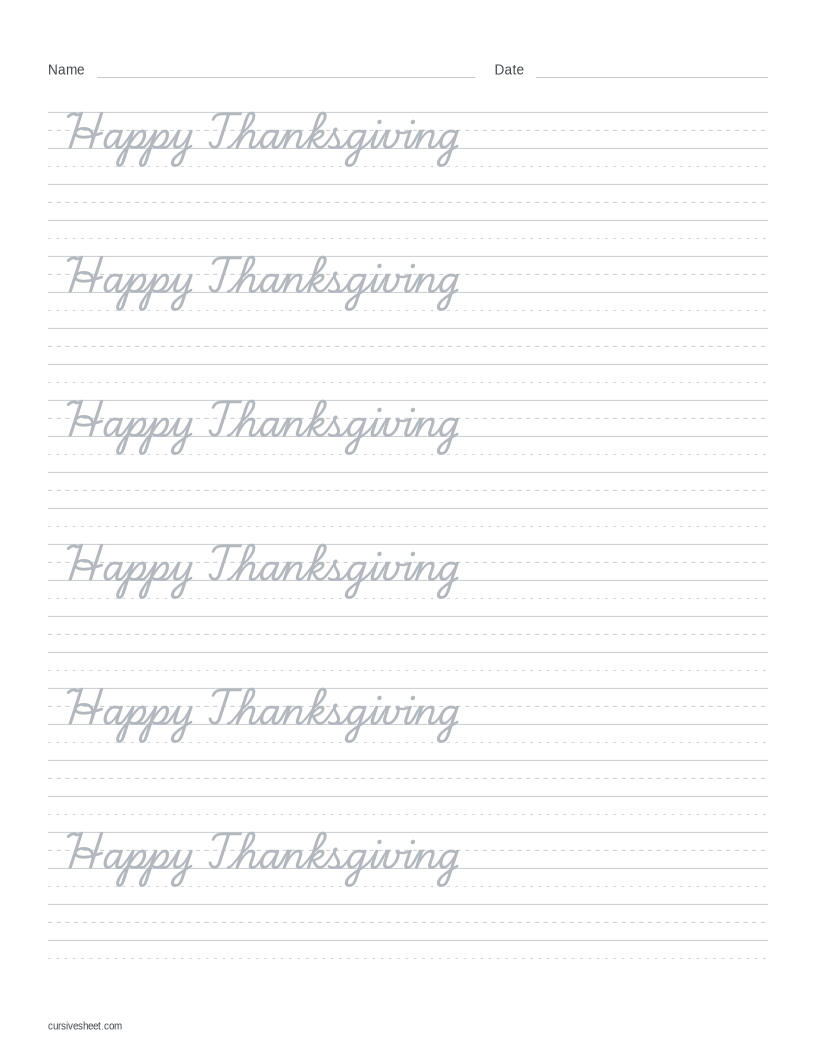
Trace the greeting
The sheet starts with Faded tracing and Trace + blank rows. Trace a model row, then copy the greeting onto the empty row below. Choose Solid for a darker reference or Outline for hollow letters.
The images above use Playwrite US Trad (Traditional) and Playwrite US Modern (Modern). Both fonts ship with this site. Switching Style changes the worksheet preview; the two reference images stay the same.
Write it in a card
Choose a card-message preset above, then replace the names or add a short line of your own in Your text. Practice on the sheet first. Before writing in the card, check that the greeting fits the available width and leave room for your message and signature.
Keep the image beside your card as you copy. Compare the capitals and the spaces between words with the model.
Print your practice sheet
Choose US Letter or A4 under Paper to match your printer. Check the preview, download the PDF and print at actual size or 100% scale. The ready-made sample below uses US Letter.
For a message to paste into a chat or document, use the cursive text generator. Its copyable Unicode characters can look different across apps and devices.
Convert a holiday greeting to cursive text to copy and paste